The UniFi Dream Machine Beast: This Is What Serious Network Infrastructure Looks Like
Most small businesses don't have enterprise infrastructure. They have a consumer router from the ISP, a cheap switch from Amazon, and a handful of devices held together by hope and reboots. That works — until it doesn't.
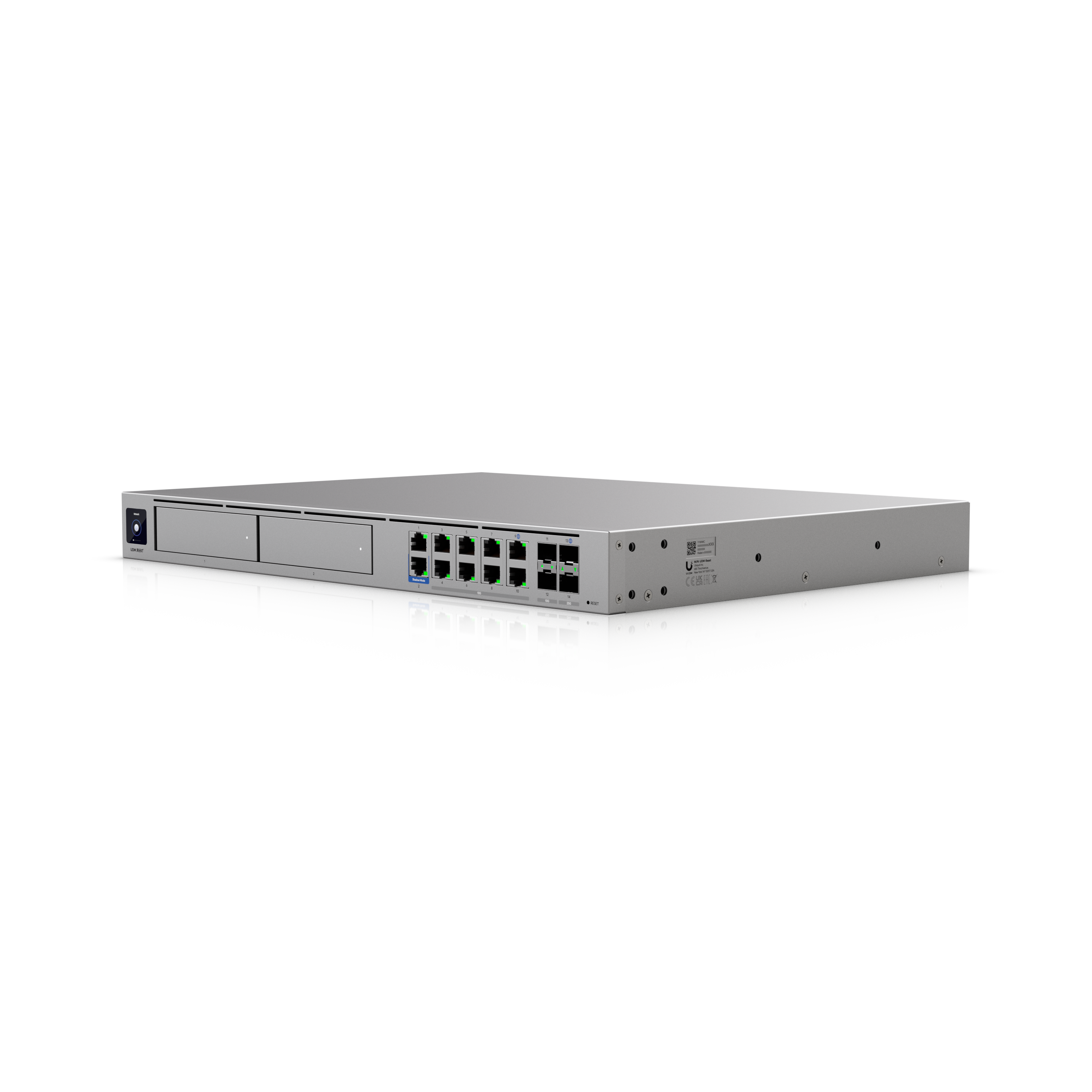
The UniFi Dream Machine Beast is what you install when you're done with that. It's a rack-mounted 1U appliance that replaces four separate pieces of hardware — gateway, firewall, network controller, and NVR — with a single managed platform. No monthly cloud fees. No third-party subscriptions. Hardware you own.
Here's exactly what it does and who it's built for.
What the UDM Beast Actually Is
The Dream Machine Beast is Ubiquiti's flagship all-in-one network appliance. It runs the full UniFi application platform — Network, Protect (cameras), Access (door control), and Talk — entirely on-premises, from one piece of hardware in your rack.
This matters because most "enterprise" setups require separate hardware for each of those functions. A dedicated firewall. A separate NVR for cameras. A cloud key for network management. The Beast collapses all of it into a single 1U unit and manages it through one interface.
25 Gbps IPS/IDS — In Plain Language
Intrusion Prevention and Detection (IPS/IDS) is the system that watches all traffic flowing through your network and blocks threats in real time — malware, ransomware, command-and-control callbacks, malicious outbound connections. Most consumer and prosumer gateways either don't have it or throttle your internet speed to a crawl the moment you turn it on.
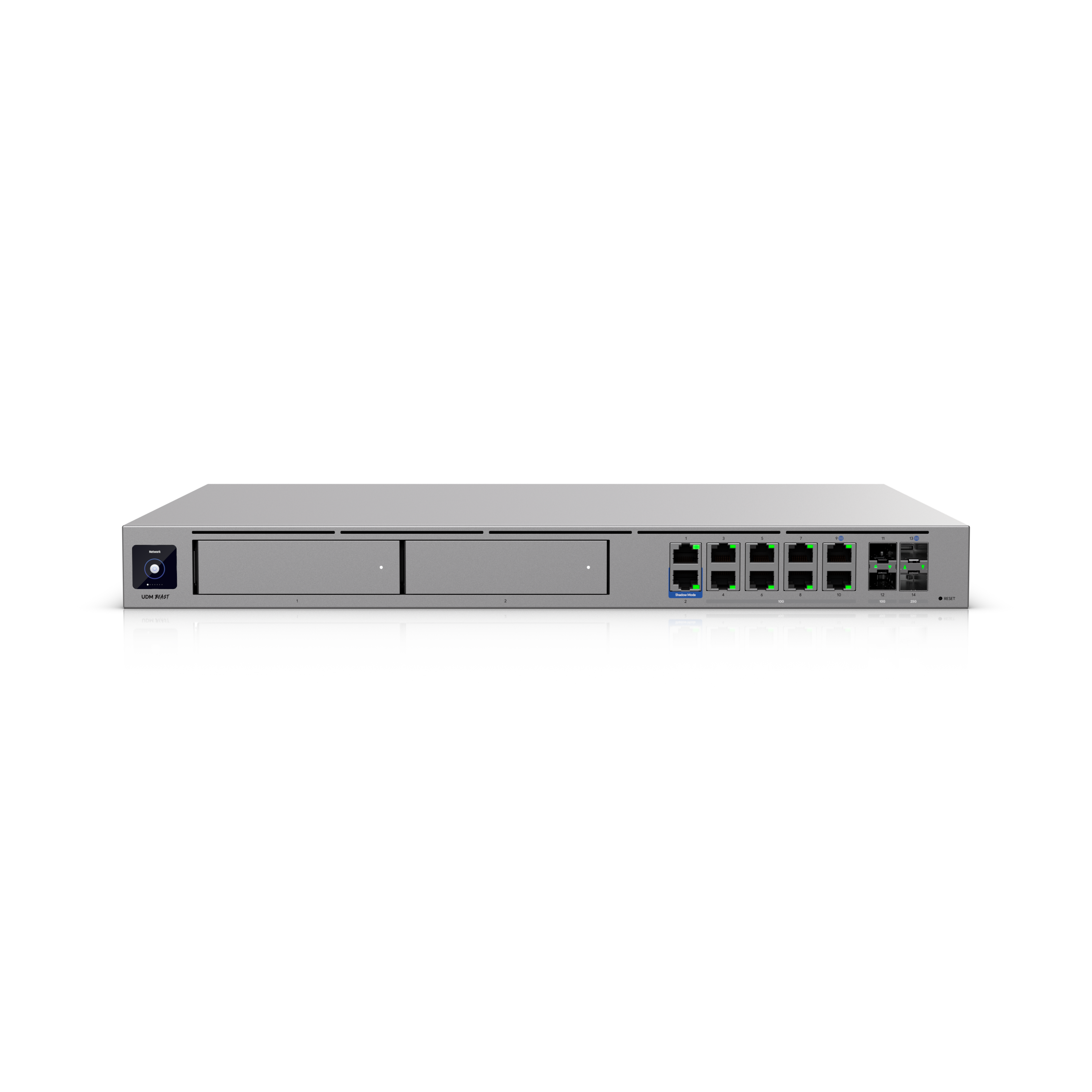
The Beast runs IPS/IDS at 25 Gbps — meaning you get full threat inspection without any performance penalty. For reference, most small business internet connections top out at 1–2 Gbps. You won't outgrow the security capacity of this hardware anytime soon.
Why this matters for your business: Ransomware doesn't announce itself. It infiltrates, sits quietly, maps your network, and then encrypts everything at once. IPS/IDS at this throughput means those callbacks get caught at the gateway — before they reach your servers, your POS system, or your camera footage.
Built-In NVR for Up to 40 Cameras
The UDM Beast includes two 3.5" hard drive bays and runs UniFi Protect natively — no separate NVR appliance required. You can connect and manage up to 40 × 4K cameras directly from the same device running your network.
That's significant for two reasons. First, it eliminates a full piece of hardware from your rack and your budget. Second, it means your camera footage, your network traffic, and your access control logs are all managed from a single interface — and stored on-site, on hardware you own, with no cloud subscription required.
AI-powered detection — person, vehicle, package, face — runs on the Beast itself. You get smart alerts without paying monthly fees for the privilege.
The Official Ubiquiti Announcement
Dual 10G WAN and Multi-WAN Failover
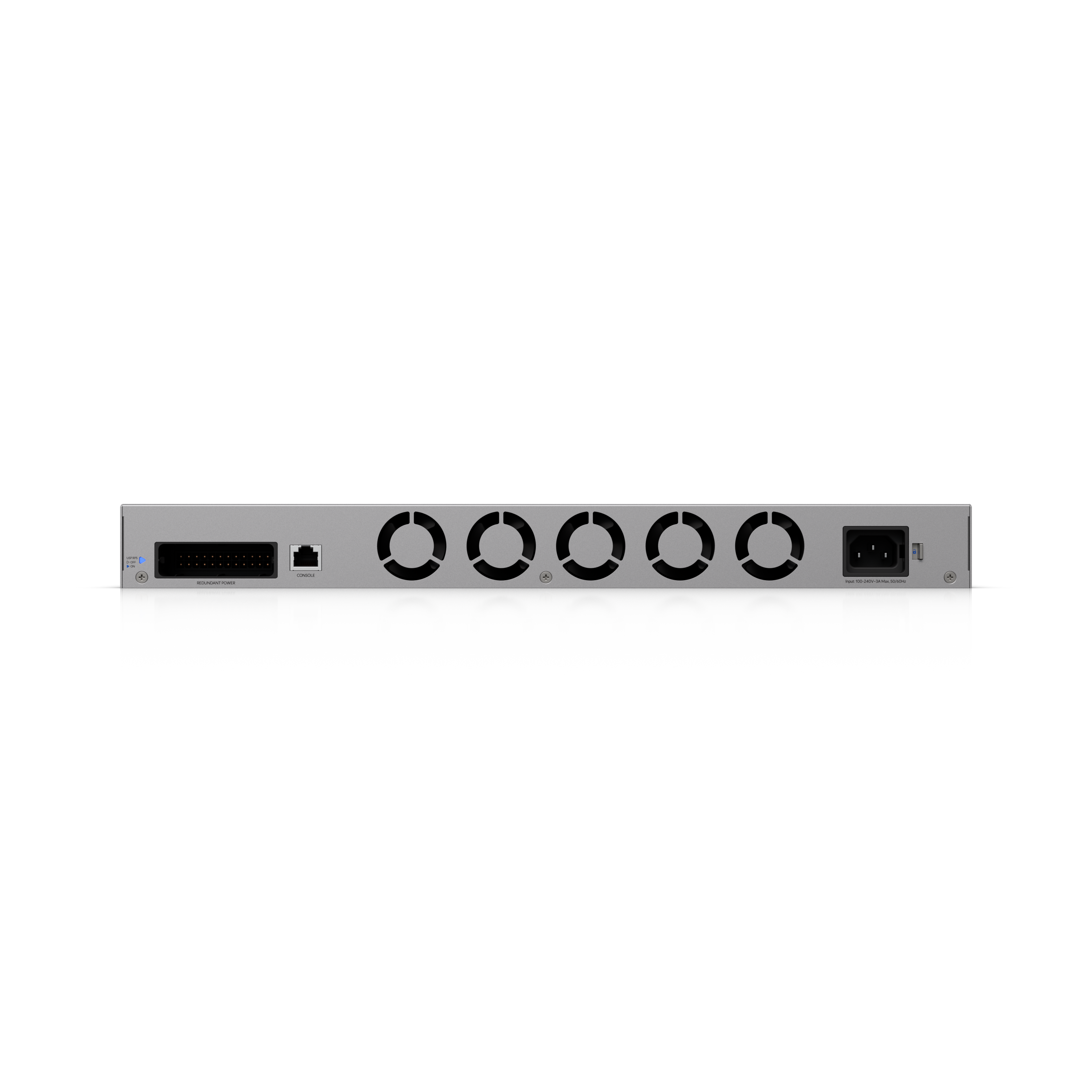
The Beast ships with two 10G SFP+ WAN ports. In practice, this means you can run two internet connections simultaneously — a primary fiber connection and a backup (cellular, secondary ISP, or otherwise) — and the Beast manages failover automatically.
When the primary connection drops, the Beast detects it within seconds via SLA monitoring and switches traffic to the backup without dropping connections. When primary recovers, it fails back automatically. Your team doesn't touch anything. The POS keeps running. The cameras keep recording.
High-Availability Pairing
For businesses that need zero-tolerance uptime, the Beast supports high-availability (HA) pairing. Two units run in an active/standby configuration using VRRP — if one gateway fails completely, the second takes over in under a second without dropping a single connection.
This isn't something most small businesses need. But for a multi-location operation where the network going down means operations stop entirely — a medical office, a warehouse with real-time inventory, a property management company managing access control across multiple sites — it's the right answer.
Who the UDM Beast Is Built For
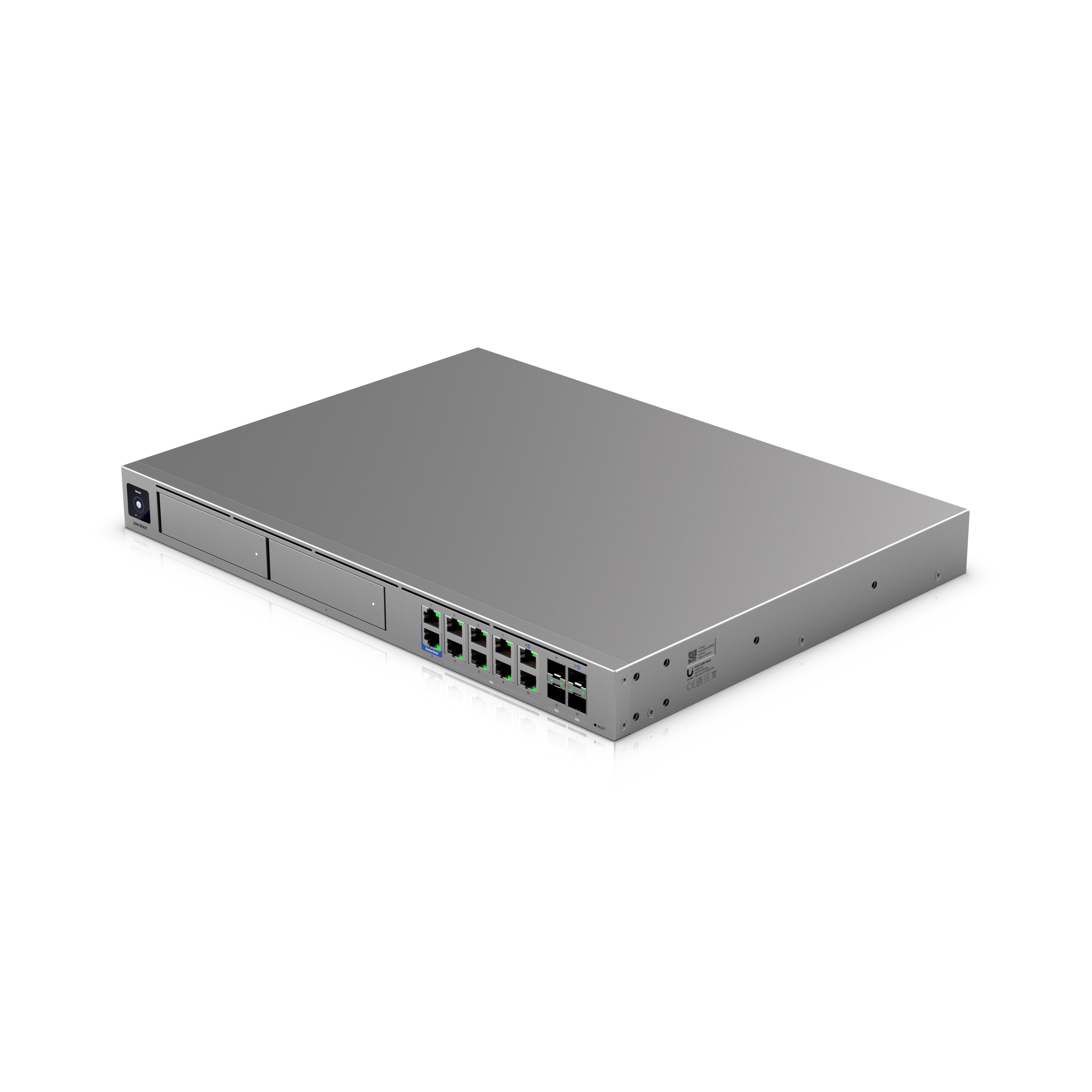
This isn't the right hardware for a 5-person office with a basic internet connection. The Beast earns its place when:
- You have 50+ devices on the network — staff, IoT, cameras, POS terminals, guest Wi-Fi, all competing for managed bandwidth
- Downtime costs real money — a restaurant at peak service, a warehouse on a shipping deadline, a medical office seeing patients
- You're running cameras and don't want a separate NVR taking up rack space and budget
- Security is a real concern — regulated data, client records, or simply a business that can't afford ransomware recovery
- You're managing multiple locations and want one platform, one login, one bill of hardware
It's also the right foundation if you're planning to grow. The Beast doesn't become outdated as you add access points, cameras, or door readers — it scales with the UniFi ecosystem without requiring a hardware swap.
Why Alpine IT Deploys It
We install the UDM Beast when a client needs a network that's serious — not just fast, but secure, documented, and built to last. The all-in-one architecture means fewer failure points, fewer vendors to call when something goes wrong, and a single interface for everything from camera footage to firewall rules.
Every Alpine IT deployment comes fully documented on handoff — every device, every VLAN, every credential, every configuration decision recorded. If something happens six months from now and you need to hand the documentation to another technician, they can pick it up and understand the entire network without a phone call.
That's not how most installs go. It's how ours go.
Network Infrastructure — Colorado Springs
Alpine IT designs and installs commercial-grade UniFi network infrastructure for Colorado Springs businesses. From structured cabling to gateway configuration and camera integration — fully documented, no monthly fees.