5G Backup Internet for Colorado Springs Businesses: What It Is and When You Need It
Most businesses in Colorado Springs run on a single internet connection. When that connection goes down — a cut fiber line, an ISP outage, a failed modem — everything stops. Point-of-sale systems go offline. Cloud-hosted software becomes inaccessible. Employees can't reach internal tools. Video calls drop mid-meeting. For some businesses, even an hour of downtime means real revenue loss.
A 5G or LTE backup connection is the answer: a second internet path over a cellular network that automatically takes over when your primary line fails. Here's how it works, what it costs, and how to know if your business needs it.
How 5G and LTE Backup Works
The hardware at the center of a backup connection is a failover router — a device that monitors your primary internet connection and routes traffic through a cellular backup the moment it detects the primary is down. On a properly configured system, this happens automatically in seconds, with no manual intervention required.
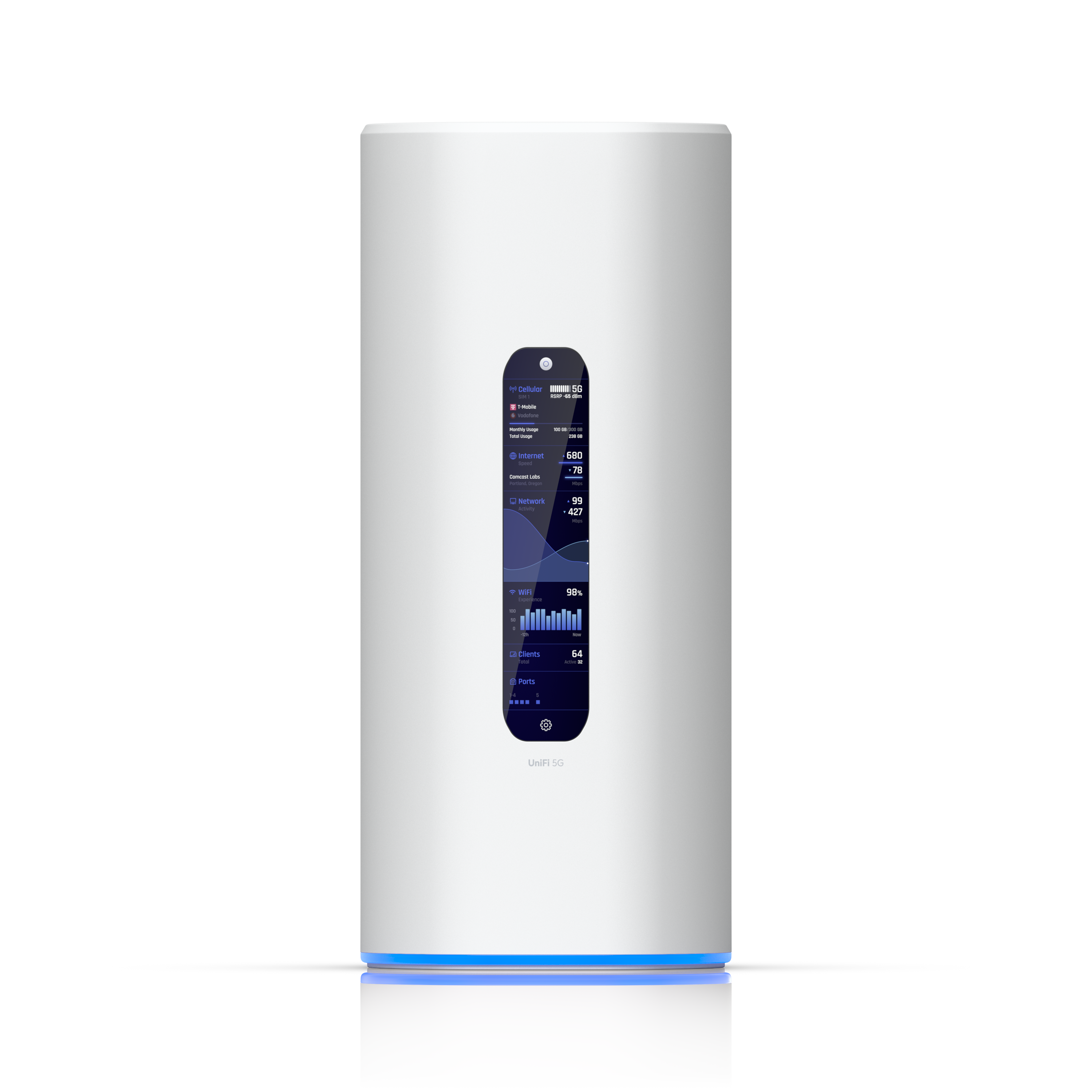
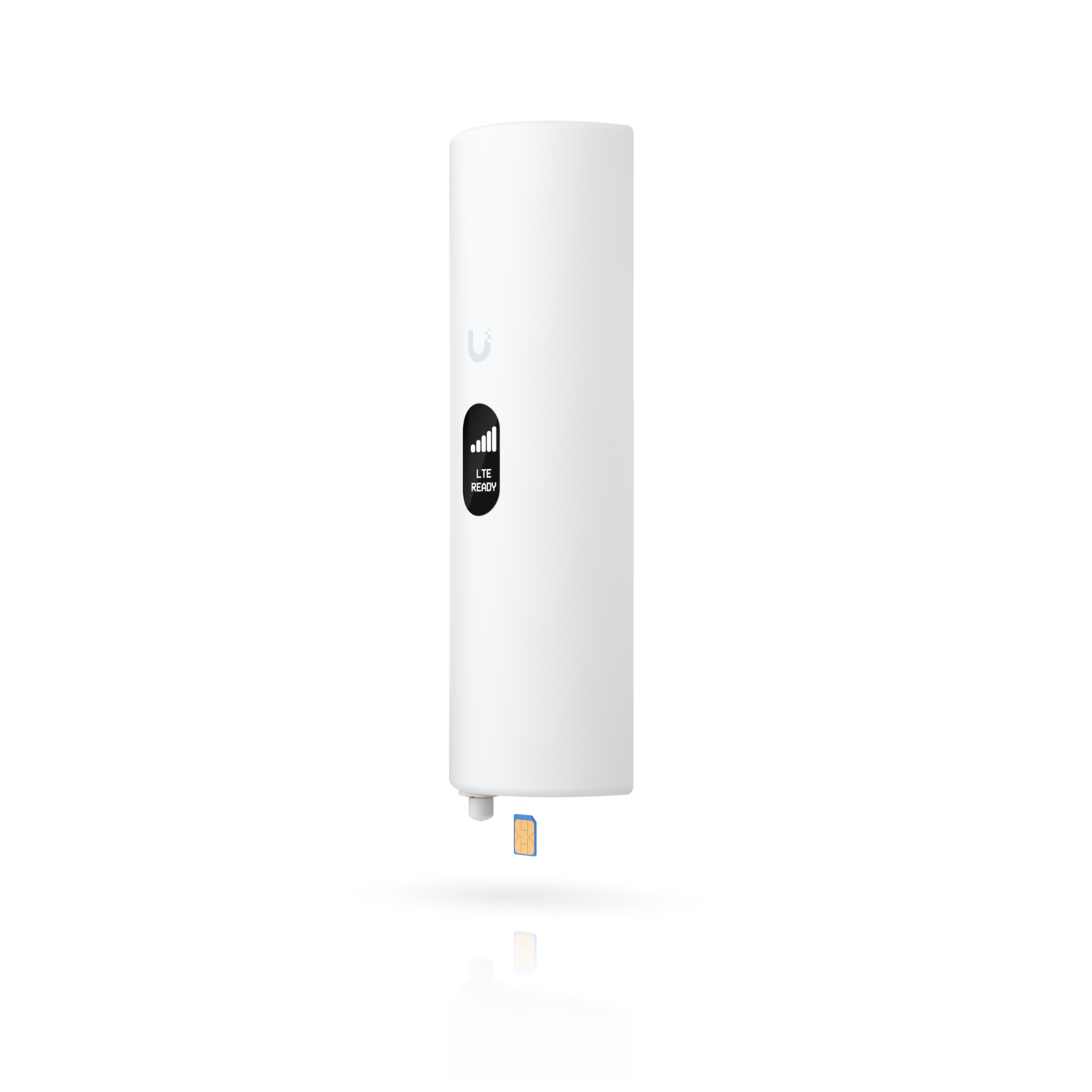
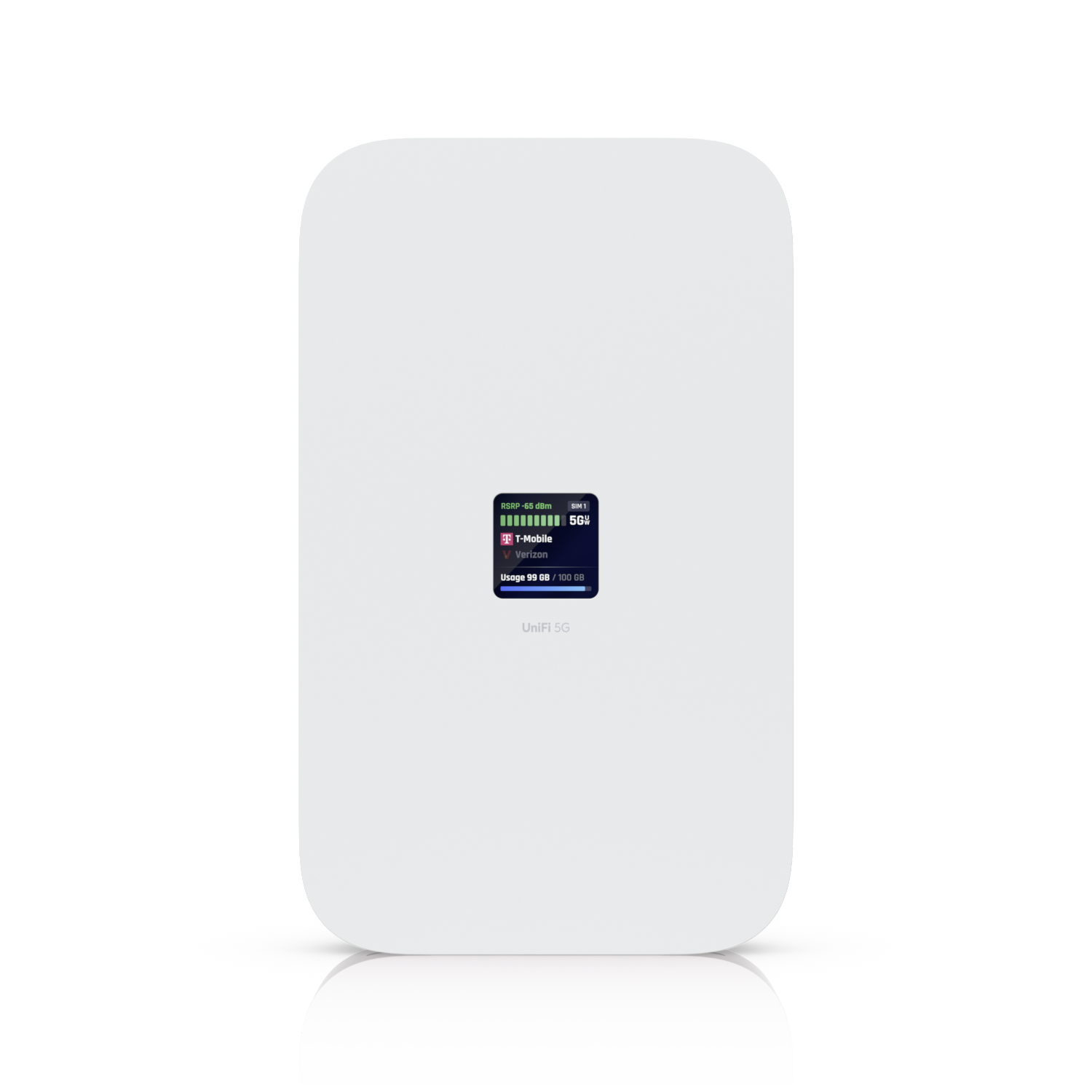
Most modern failover routers (Alpine IT uses Peplink and UniFi gateway hardware) support both 5G and LTE SIM cards from major carriers. The router continuously monitors the health of your primary WAN connection. If it stops responding or drops below a defined threshold, the router fails over to cellular. When the primary comes back up, it fails back automatically.
Hot standby vs. load balancing: Some businesses configure the cellular connection as a pure hot standby — it only activates during a primary outage. Others run both connections simultaneously and distribute traffic across both, which provides both redundancy and additional bandwidth. Alpine IT configures the right mode for your use case.
5G vs. LTE: What's the Difference in Practice
Both 5G and LTE are cellular technologies that can serve as a backup internet connection. The difference is primarily speed and latency:
LTE (4G)
Typically delivers 20–100 Mbps down and 5–20 Mbps up in real-world conditions in the Colorado Springs area. More than sufficient for most business applications during a failover scenario — email, cloud apps, VoIP, and POS systems all run fine on LTE speeds. Coverage is extremely broad, including areas where 5G hasn't yet reached.
5G
Significantly faster where available — 100–500+ Mbps down is common on mid-band 5G, and sub-6GHz 5G coverage in Colorado Springs has expanded substantially. For businesses that regularly handle large file uploads, video conferencing at scale, or other bandwidth-intensive applications, 5G backup reduces the performance gap between primary fiber and the backup connection.
For most small businesses, LTE backup provides everything needed during an outage. 5G backup is worth the modest additional cost for businesses where slower failover speeds would still cause meaningful disruption.
Which Colorado Springs Businesses Need This Most
Not every business has the same downtime cost. Here's where backup internet has the clearest ROI:
- Retail and restaurants — A payment processing outage means you either turn customers away or resort to manual workarounds. A 30-minute lunch rush with no card processing is a painful afternoon. Backup internet keeps POS and payment systems online regardless of ISP status
- Medical and healthcare practices — Patient record systems, scheduling platforms, and billing software are all cloud-dependent. An internet outage during clinic hours disrupts scheduling, check-in, and sometimes even care workflows
- Professional services offices — Law firms, accounting offices, and financial advisors whose work happens primarily in cloud platforms (Office 365, practice management software, document platforms) face full productivity stops during outages
- Businesses with hosted VoIP phone systems — If your phones run over your internet connection, an ISP outage takes your phone system down too. Backup internet keeps calls routing normally
- Any business that has lost revenue to an outage before — If you've lived through a four-hour ISP outage and know what it cost you, the math on backup internet is obvious
What It Actually Costs
A 5G/LTE backup setup for a small business involves two components: hardware and a data plan.
Hardware is a one-time cost — a failover-capable router with a cellular modem, plus professional installation and configuration. This is not consumer gear. Business-grade failover routers are designed to stay powered and responsive around the clock, handle VPN and firewall requirements, and provide the management visibility your IT provider needs to monitor connection health.
On the cellular side, major carriers (T-Mobile, AT&T, Verizon) all offer business data plans designed for backup and IoT use cases. These plans are typically structured around data usage rather than flat monthly fees — which works well for backup scenarios where the cellular connection only activates during outages. A business that rarely has outages pays very little in data charges. A business in an area with frequent ISP disruptions may see higher monthly data costs, but that's the scenario where the backup connection is also delivering the most value.
Failover vs. Always-On: Running Two Connections Simultaneously
For businesses that need more than just outage protection, the same hardware that handles failover can also run both connections simultaneously in a load-balanced configuration. This means:
- Traffic distributes across both connections, effectively combining their bandwidth
- If either connection fails, all traffic automatically routes to the remaining one
- Latency-sensitive applications (VoIP, video calls) can be pinned to your primary connection while bulk traffic uses the secondary
This configuration makes sense for businesses that both want redundancy and are consistently pushing the limits of their primary connection's bandwidth. It's more complex to configure correctly — particularly around application-aware routing — which is why Alpine IT handles the setup rather than leaving you with default settings that often don't work well in practice.
What Happens During a Real Outage
When Alpine IT configures a backup connection, we test the failover before we leave. We disconnect the primary WAN and verify that traffic routes to cellular within the configured detection window — typically 5–30 seconds depending on the router's health check interval.
On the UniFi and Peplink platforms, you get visibility into which WAN is active, current throughput on each connection, and historical uptime data. If your primary ISP is having chronic reliability issues, you can see it in the data and make the case for a provider change with actual evidence.
5G & LTE Backup Internet — Colorado Springs
Alpine IT installs and configures business-grade cellular failover for Colorado Springs businesses. Automatic failover, proper hardware, and monitoring — not a hotspot taped to a router.