Business Security Cameras With No Monthly Fee: How Local Storage Works
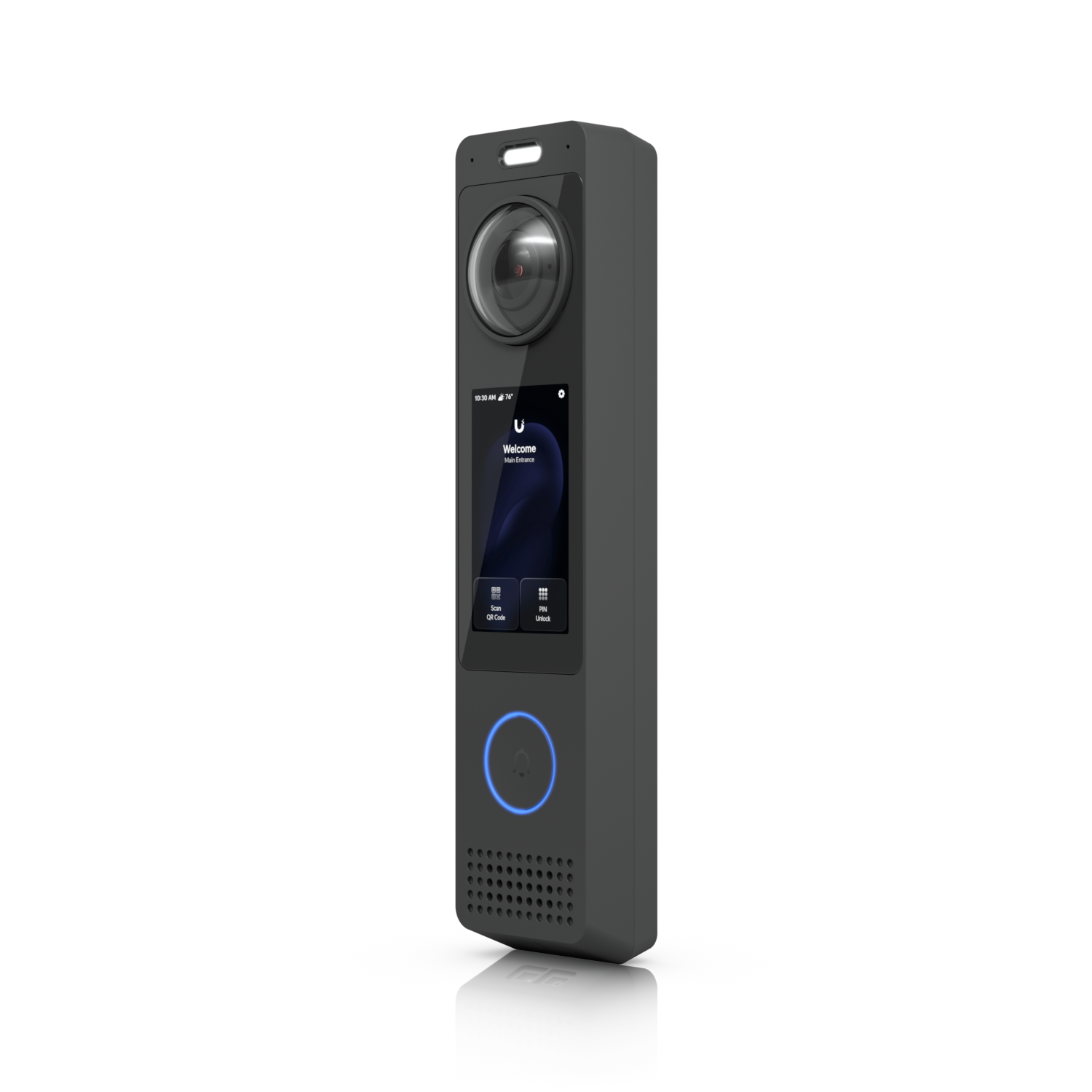
If you've looked at cloud-based security camera systems for your business, you've probably noticed that the hardware is only part of the cost. Nest, Arlo, and most consumer-grade business camera brands charge a monthly or annual subscription fee to store your footage — anywhere from $10 to $80 per month per location, indefinitely. That's a subscription you pay forever just to access recordings from cameras you already own.
There's a different approach that commercial installers have used for years: storing footage locally on hardware you own, with no ongoing cloud dependency and no recurring fees. Here's how it works and why it's often the better choice for Colorado Springs businesses.
Why Cloud Camera Systems Charge Monthly Fees
Cloud cameras work by sending your video footage to servers owned and operated by the camera manufacturer. When you want to review footage, you access it through their app, which fetches the video from their servers. The monthly fee pays for that storage and streaming infrastructure.
This model benefits the manufacturer more than it benefits you. They get predictable recurring revenue. You get footage stored on servers you don't control, subject to service terms that can change, and dependent on an internet connection to access your own recordings.
There's also a data sovereignty concern: your business's security footage — who comes and goes, when, what your premises look like — lives on a third party's servers. For most businesses, that's an uncomfortable arrangement.
How Local Storage Works
Local storage systems use a Network Video Recorder (NVR) — a dedicated piece of hardware that sits on your network and records footage from all of your cameras directly to hard drives installed inside it. Your footage never leaves your building.
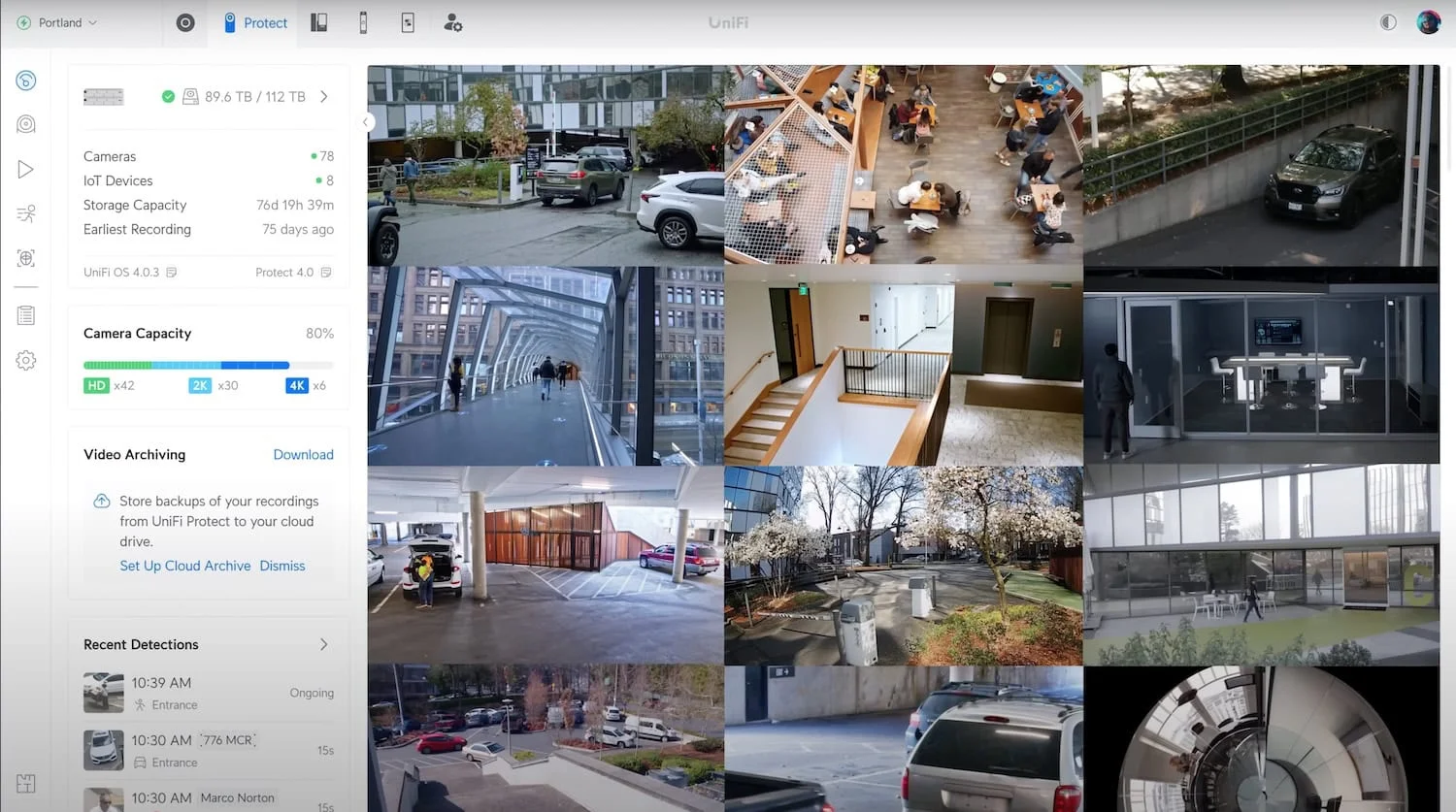
When you want to review footage, you access it through your local network or through a secure app that connects directly to your NVR — not through a manufacturer's cloud. Alpine IT installs UniFi Protect, which uses a dedicated NVR appliance (the UniFi Network Video Recorder or Cloud Key Gen2 Plus) as the local storage backbone.
How much can it store? A typical Alpine IT camera installation achieves 30+ days of continuous recording across all cameras. Larger NVR storage configurations can extend this significantly. You choose the retention window — there's no tiered plan that limits you to 7 days on the cheap tier.
What Happens If the Internet Goes Down
This is where local storage has a decisive advantage over cloud systems: an internet outage has zero impact on recording continuity.
Cloud cameras stop recording useful footage the moment your internet connection drops — they can't upload to servers they can't reach. Your cameras may still "record" locally in some cases, but the footage may not sync or may be overwritten depending on the system.
With a local NVR, cameras record to on-site storage regardless of internet status. If your ISP has an outage at 2am, your cameras are still recording the whole time. When internet is restored, remote access through the UniFi app becomes available again — but the local recording never stopped.
Remote Access Without the Cloud Subscription
A common misconception is that local storage means you can't view cameras remotely. That's not true with modern systems.
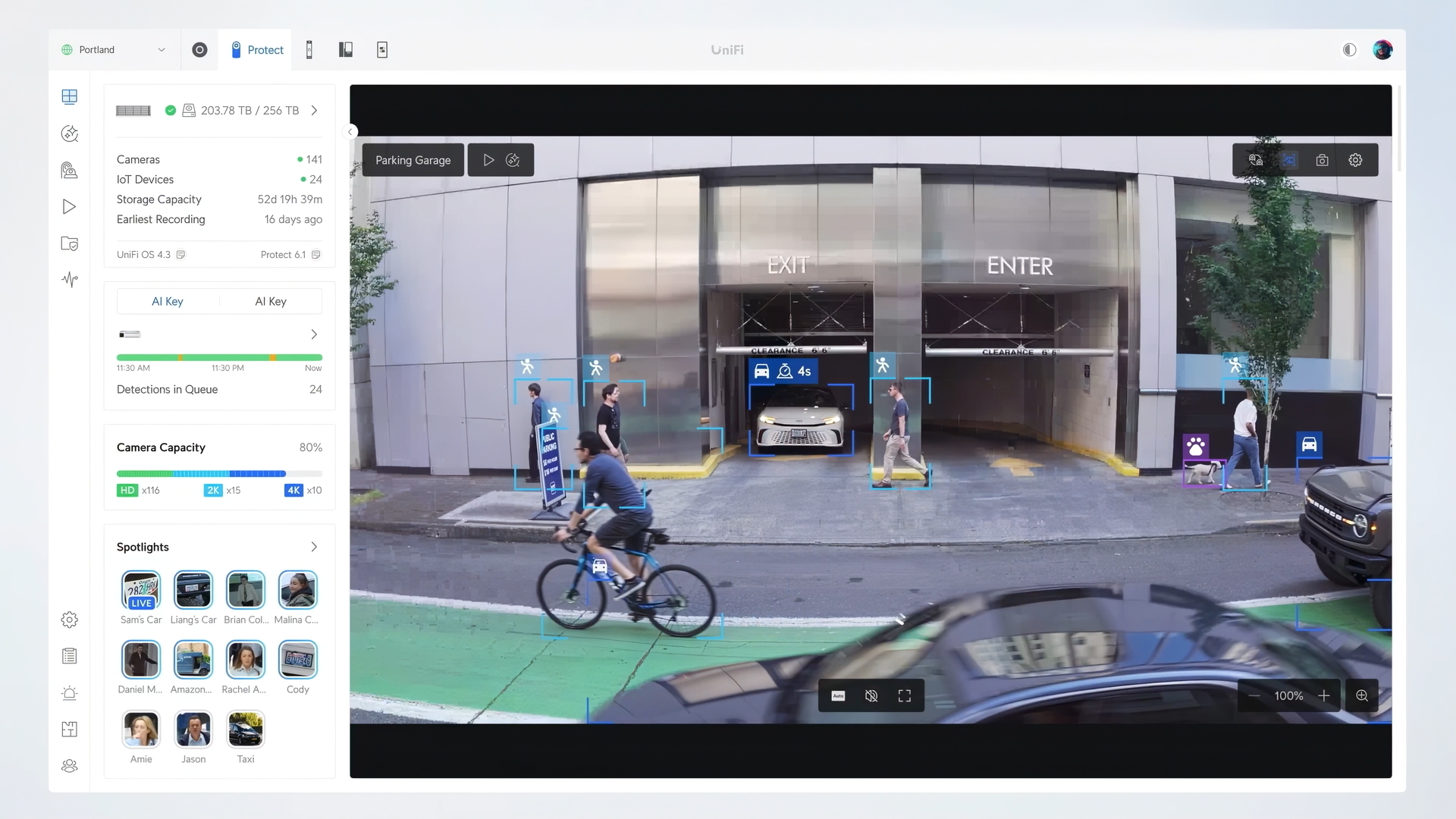
UniFi Protect provides a full-featured mobile app that gives you live feeds, footage review, AI motion detection alerts, and camera management from anywhere — your phone, tablet, or desktop. The app connects securely to your local NVR through UniFi's servers, but your footage itself remains on your hardware. You get the convenience of remote access without handing your video archive to a third party.
AI Detection Without Recurring Fees
Another area where cloud systems extract recurring revenue is AI-powered detection. Person detection, vehicle detection, license plate recognition — most cloud platforms charge extra for these features at higher subscription tiers.
UniFi Protect includes AI detection features — person, vehicle, package, and face recognition — as part of the platform, with no additional subscription. The processing runs on the NVR hardware itself, not in the cloud.
The Real Cost Comparison
Consider a 10-camera installation at a typical Colorado Springs small business:
- Cloud system: 10 cameras × $30–$50/month = $300–$500/month, or $3,600–$6,000/year in subscription fees alone — every year, indefinitely
- Local NVR system: One-time hardware cost for NVR and cameras, professionally installed, with no monthly fees and footage retained for 30+ days
Over three years, a cloud subscription for a 10-camera system costs $10,800–$18,000 in fees on top of the hardware. A local NVR system costs the hardware once. The math is straightforward.
Is Local Storage Reliable?
NVR hard drives are purpose-built for continuous video recording — they use surveillance-rated drives designed to write data 24/7/365 without the failure rates of standard desktop hard drives. UniFi NVR appliances support drive redundancy configurations for businesses that want additional protection.
When Alpine IT installs a camera system, the NVR is configured with appropriate storage for your camera count and retention requirements, drives are rated for continuous recording, and you receive documentation of the full configuration at handoff.
Security Camera Installation — Colorado Springs
Alpine IT installs UniFi Protect forensic-grade camera systems for Colorado Springs businesses. Local NVR storage, 4K AI cameras, no monthly fees, and full documentation at handoff.