How Much Does a Small Business Security Camera System Actually Cost?
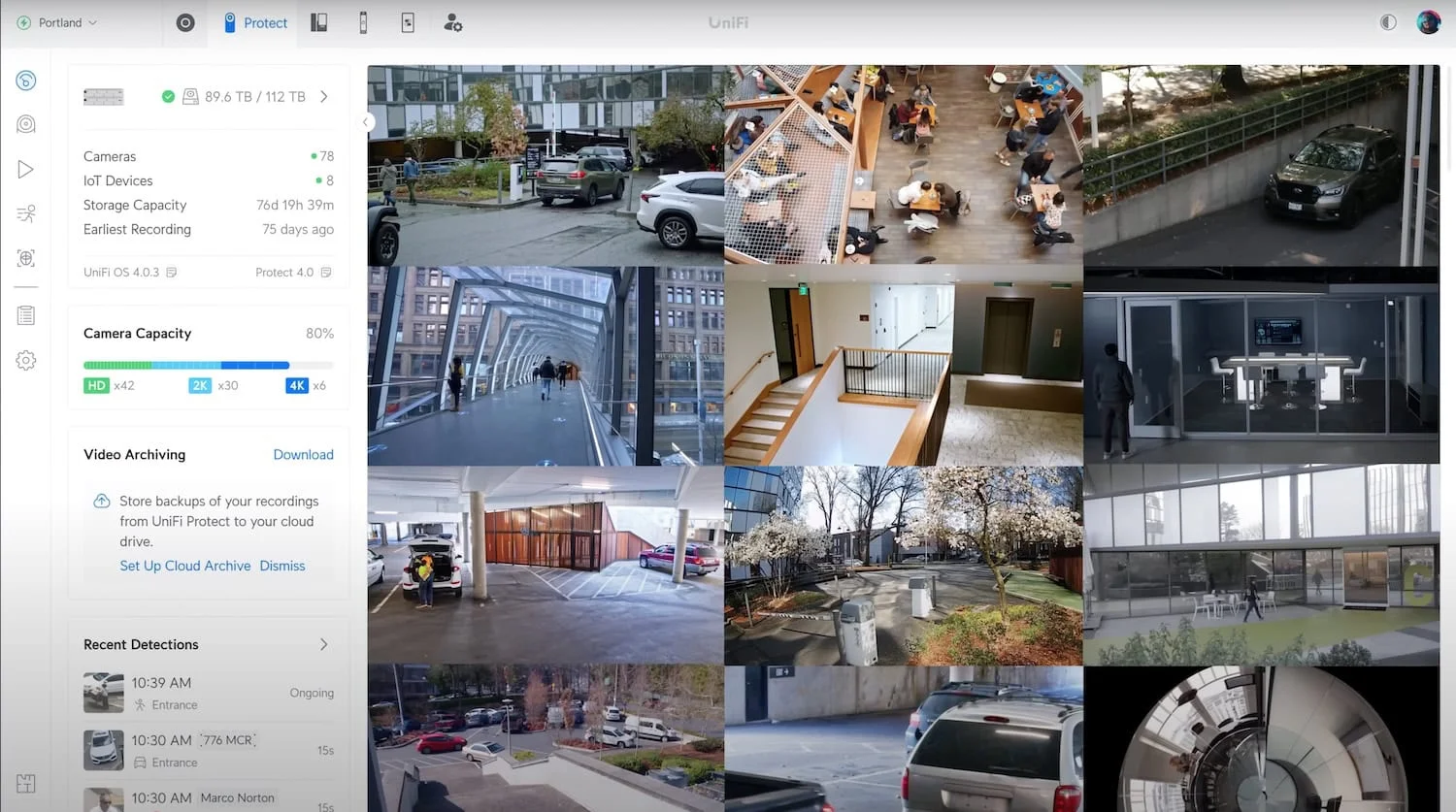
If you've spent any time researching this question, you've probably noticed something frustrating: nobody wants to give you a real number.
Most companies will gladly send a sales rep to your business, walk around for an hour, and hand you a quote with a single line item that says "Security System — $7,500." No breakdown. No reasoning. Just a number you're supposed to trust.
We don't operate like that. So here's a straight answer to a straight question — built on industry averages, not vendor talking points.
The Honest Range
For a properly installed business-grade camera system in Colorado Springs, expect to land somewhere between $2,000 and $9,000+ all-in.
Industry data backs this up. Across the U.S. in 2026, small-to-mid commercial camera installations (4–8 cameras with standard features and professional installation) typically run between $4,000 and $9,000. Simpler setups land closer to $2,000, and larger or more complex jobs can exceed $10,000.
That's a wide range. The variables that move the number are:
- How many cameras
- What quality (resolution, AI detection, indoor vs. outdoor)
- Local storage vs. cloud storage
- Whether new cable needs to be run
- How accessible the install points are
- Whether your existing network can support the system
What Drives the Cost
Number of Cameras
Most small businesses land between 4 and 12 cameras. A typical retail storefront, restaurant, or office of 2,500–5,000 sq. ft. is well-covered by 8 cameras: entrances, points of sale, back of house, parking lot, and interior overview.
More cameras isn't always better. Two well-placed 4K cameras at an entrance will outperform six poorly-positioned 1080p cameras every time.
Camera Quality
Commercial-grade IP cameras generally fall into three pricing tiers:
- Entry-level commercial — $100–$200 per camera. Basic 1080p, limited night vision, no AI features.
- Mid-grade business — $200–$400 per camera. 2K or 4K resolution, solid low-light performance, person and vehicle AI detection. This is where most small businesses should land.
- Enterprise-grade — $700–$1,500+ per camera installed. Advanced analytics, license-plate recognition, PTZ capabilities. Usually overkill for small business.
The difference shows up in three places:
- Resolution. 1080p was acceptable five years ago. Today, 2K (4MP) or 4K (8MP) is the standard if you actually want to identify faces and license plates.
- Low-light performance. Cheap cameras turn into useless static after sunset. Business-grade cameras maintain color and detail.
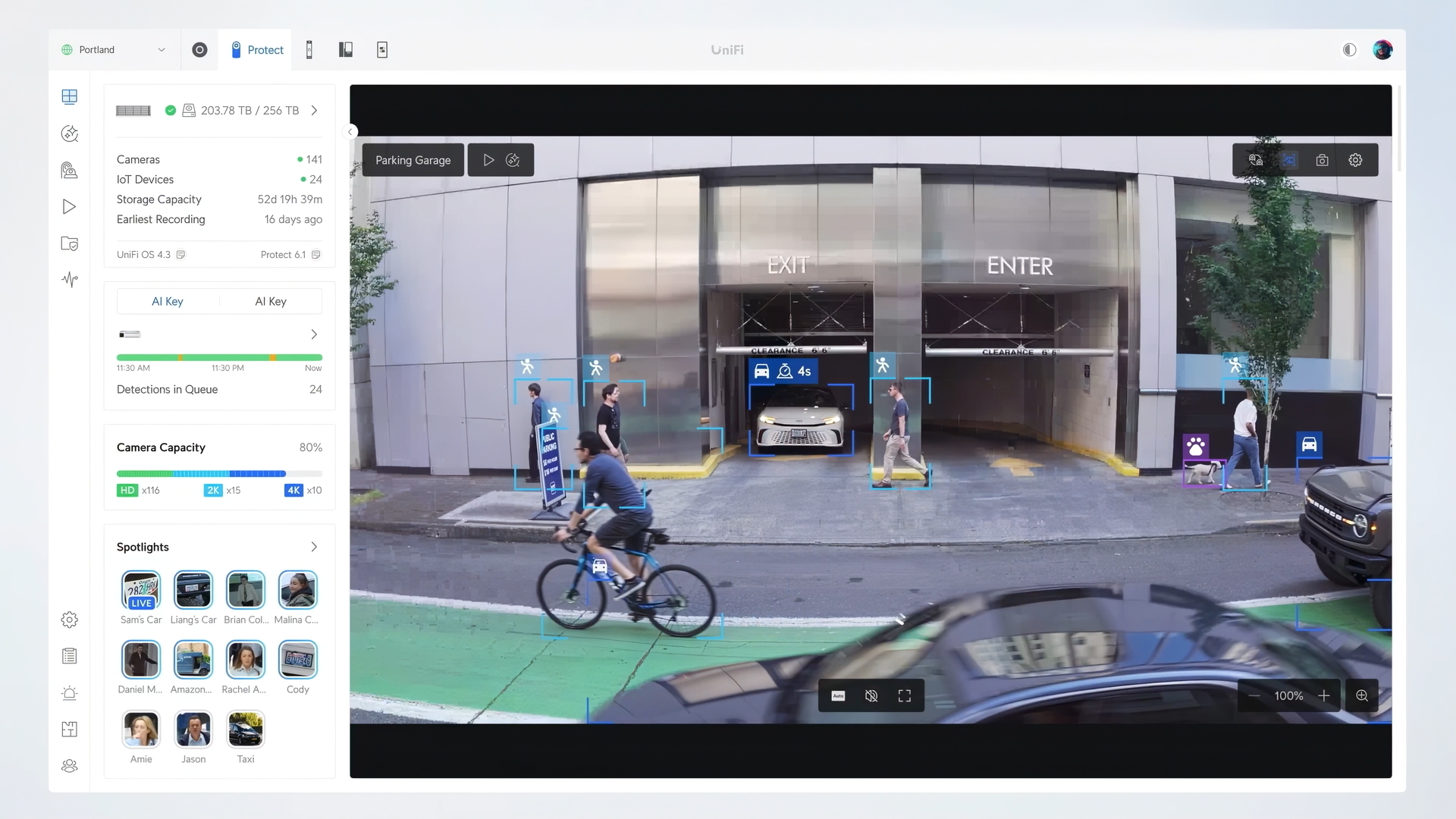
- AI detection. Modern systems distinguish people, vehicles, and packages from shadows, headlights, and animals — so you stop getting 200 motion alerts a night and start getting the five that actually matter.
What About PTZ Cameras?
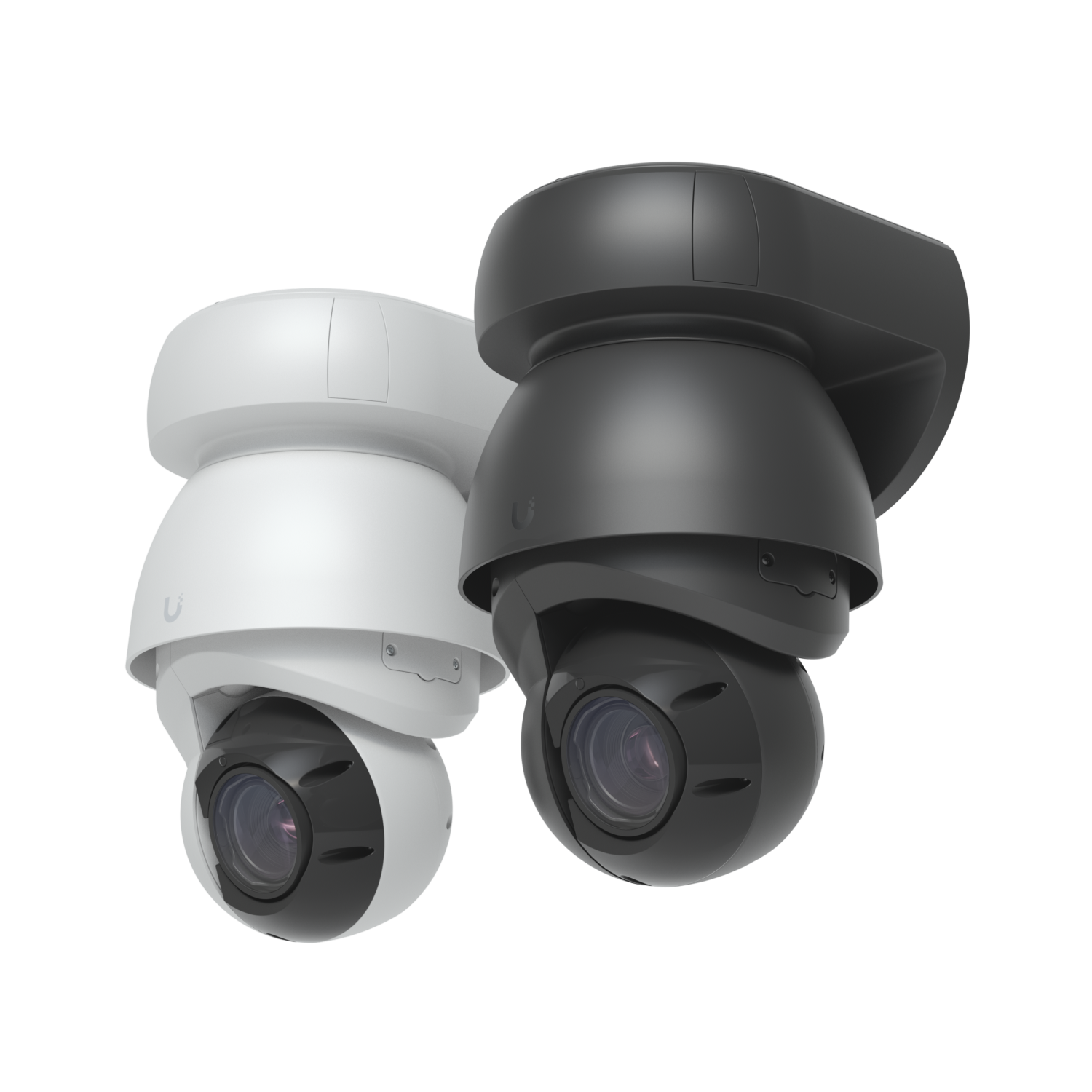
PTZ (Pan-Tilt-Zoom) cameras can rotate horizontally, tilt vertically, and optically zoom in on a subject — all remotely or automatically. They're worth considering in specific situations, but they're not a default upgrade for most small businesses.
Where PTZ makes sense:
- Large open areas — parking lots, warehouse floors, open yards where a single camera can actively track across a wide field rather than passively watching a fixed angle
- Perimeter coverage — one PTZ can patrol a perimeter that would otherwise take 3–4 fixed cameras
- License plate capture at distance — optical zoom lets you read plates from 60–100+ feet that a fixed camera would miss
Where PTZ doesn't make sense:
- Indoor fixed positions — entrances, hallways, registers. A well-placed 4K fixed camera is cheaper and more reliable here.
- Tight budgets — a single PTZ unit runs $500–$1,500+ installed. That same budget covers 3–4 mid-grade fixed cameras with better overall coverage.
The practical answer for most small businesses: Start with fixed cameras for indoor coverage and primary entry points. Add a PTZ for your parking lot or exterior perimeter if the square footage justifies it. A hybrid approach usually wins over going all-PTZ or ignoring PTZ entirely.
Storage: Local vs. Cloud
This is where ongoing costs come in, and it's the part most quotes don't make clear.
Cloud-based systems (Ring, Nest Pro, and several proprietary brands) charge $3–$30 per camera per month — forever. For an 8-camera setup, that's $290–$2,800 per year in subscriptions on top of the hardware. Over five years, the subscription often costs more than the cameras did.
Local storage (a network video recorder on-site) is a one-time hardware cost — typically $100–$500 for the NVR plus drives — and then footage stays yours, on your property, with no monthly fees.
For most small businesses, local storage is the right call. We almost never recommend subscription-locked cameras unless there's a very specific reason for it.
Cable Runs and Mounting
This is where surprise costs hide on bad quotes. Industry-standard labor rates for commercial camera installs are:
- $80–$200 per camera for standard wired installs with existing ceiling access
- $150–$250 per camera in higher-cost markets or more complex sites
- Add-ons for exterior runs, conduit, fire-rated wall penetrations, or anything mounted above 12 feet
Total labor typically accounts for 40–70% of the project budget on a wired commercial install. If a quote doesn't itemize labor and materials separately, ask why.
Network Requirements
Cameras need a network to live on. If your business is still running on the consumer router your ISP gave you in 2019, the camera install isn't your only problem.
A proper business camera system should run on its own VLAN — a separate network segment isolated from your staff devices, point-of-sale, and guest WiFi. If your network can't support that, budget another $1,500–$2,500 for a network refresh alongside the cameras.
The good news: deploying both as part of a unified UniFi Ecosystem saves money on labor and gives you one documented, integrated system instead of two — with networking, cameras, access control, and even a doorbell all managed from a single platform.
A Real Example: 8-Camera Install
Here's what an industry-typical 8-camera setup looks like for a Colorado Springs retail or office space, broken out the way every quote should be:
- 8× IP business cameras (2K, AI-capable) — ~$1,600–$2,400
- NVR with drive capacity for 30+ days of retention — ~$500–$800
- Mounting hardware, cable, terminations — ~$200–$400
- Camera install (8 cameras, existing ceiling access) — ~$1,000–$1,600
- Network configuration & VLAN setup — ~$300–$700
- System config, training, documentation — ~$400–$700
Total: ~$4,000–$6,600 — fully installed, fully documented, business-grade 8-camera system. No monthly fees with local storage. No cloud lock-in. Footage that holds up if you ever need it.
For 4 cameras instead of 8, expect $2,000–$3,500. For 12+ cameras with exterior coverage, expect $7,000–$11,000+.
What You're Actually Paying For
A camera system is only as good as the install behind it. The cheap quotes you'll get from handyman-level installers usually skip a few things:
- Documentation. You should walk away with a network diagram, port map, and labeled cabling. If it breaks in two years, the next person should be able to figure it out in 10 minutes.
- Proper terminations. Crimped on-site, tested, and labeled — not a knot of wires zip-tied behind a panel.
- VLAN segmentation. Cameras should be isolated from your business network. If they're on the same network as your point-of-sale and customer WiFi, a single compromised device can compromise the whole business.
- AI configuration. The difference between 200 alerts per night and 5 useful alerts per night is properly configured detection zones. That's a setup task, not a default.
- Training. You should know how to pull footage, share clips, and adjust settings before the installer leaves.
When you compare quotes, this is what to compare — not just the camera count.
What to Watch Out For
- "Free install" quotes — almost always paired with locked-in subscriptions that cost more over three years than buying the system outright.
- Quotes that don't itemize hardware vs. labor — you're being asked to trust a number with no math behind it.
- Proprietary systems — some installers use cameras you can only service through them. Walk away.
- Quotes without configuration time — install is half the job. If config and documentation aren't on the quote, they aren't getting done.
The Bottom Line
A small business camera system isn't a $300 retail bundle, and it isn't a $25,000 enterprise contract. For most small businesses in Colorado Springs, it's a $3,000–$8,000 one-time investment that pays for itself the first time it actually shows you something useful — a theft, a slip-and-fall, an employee dispute, a delivery question.
The price spread is wide because the variables are real. But the right system for your business isn't a mystery, and the right price for that system isn't a secret.
Security Camera Installation — Colorado Springs
Alpine IT installs UniFi Protect forensic-grade camera systems for Colorado Springs businesses. Local NVR storage, 4K AI cameras, no monthly fees, and full documentation at handoff. The discovery call is free.